How to turn a picture into a CAD drawing
A picture of a part carries almost everything CAD needs — shape, hole count, pattern, proportions. The one thing it cannot carry is size: no photograph knows its own millimetres. So the working flow is recognition plus a single question, and that is exactly how the image to CAD converter is built.
Step 1 — Shoot it right (this decides everything)
- Directly above, lens parallel to the part. Perspective skew is the one error that survives conversion — a rectangle shot at an angle becomes a trapezoid in the geometry.
- One part, filling the frame. Recognition reads a part, not a scene. Crop the desk out.
- Even, matte light. Shadows read as edges. Window daylight beats a desk lamp beside the page.
- Contrast helps. A steel part on white paper; a pencil sketch with firm lines. Faint construction lines confuse no one, including the model — but a strong outline earns high confidence.
Step 2 — Drop it, and read what came back
Upload the picture on the converter (or the homepage's “Drop a drawing” tab). Recognition takes about twenty seconds and comes back showing its work: part type, the features it counted, and a stated confidence — high, medium or low — rather than false certainty.
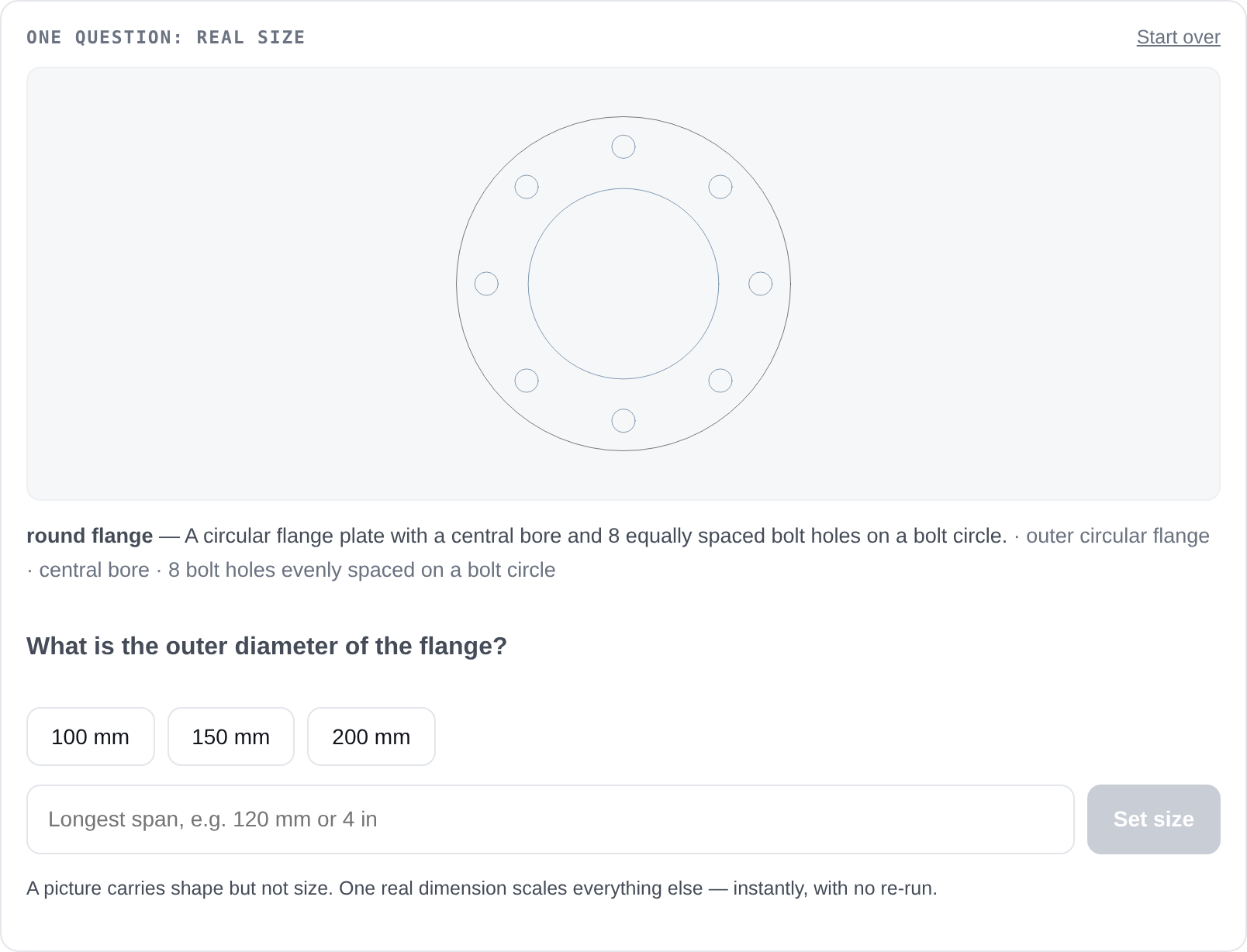
Step 3 — One dimension sets the scale
Tell it the overall width — “90 mm”, “4 in” — or confirm a dimension it read printed on the drawing. Scaling is deterministic multiplication done in your browser: no second AI pass, no second wait, no way for the scale step to introduce new errors.
Step 4 — Verify before you cut
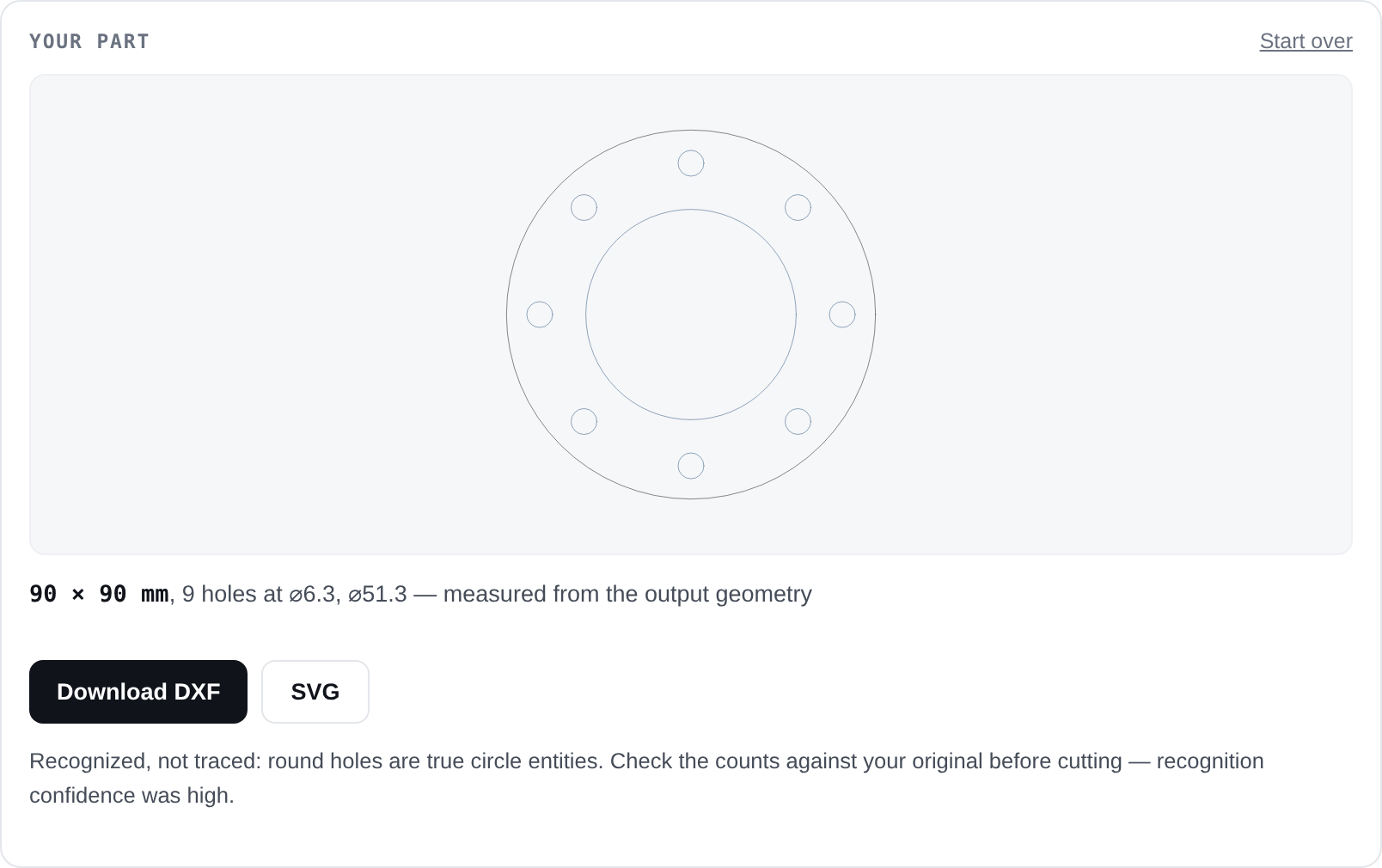
In our measured runs, feature counts came back exact — 18 of 18 — while small hole diameters drifted up to ~30%. The measured panel exists exactly for that: check the diameters, and if one is critical, correct it in CAD or state the part in text mode, where stated dimensions are exact by construction.
What kind of pictures work
| Picture | Converts? | Note |
|---|---|---|
| Screenshot of a drawing | Best case | Use PNG to DXF — lossless edges |
| Flat-on photo of a drawing | Yes | JPG guidance — compression cost us zero counts |
| Clean pencil sketch | Yes, with care | Firm outline, visible proportions; the scale answer does the rest |
| Flat part on a plain background | Often | Gaskets, plates, brackets photographed straight down |
| Angled photo, cluttered scene | Poorly | Skew transfers into geometry; reshoot flat-on |
| Organic/sculpted shape | Refused | The tool says parametric CAD is the wrong tool, instead of guessing |
Try it on the nearest flat thing
A gasket, a bracket, a mounting plate — photograph it straight down and see what recognition returns. It is free, needs no account, and shows its confidence instead of hiding it.
Convert a picture